
CCTV means closed-circuit television, a camera system whose video goes only to a private recorder or screen. A business uses it to watch and record its own premises, not to broadcast. You see CCTV every day, at the bank, the shop and the car park, yet the name is rarely explained. This guide sets out what CCTV means and how a CCTV system works. It explains the parts it uses, the cameras to choose from, and how older CCTV differs from network cameras.
CCTV means closed-circuit television, a video system whose signal stays on a closed circuit to set monitors. The three letters stand for closed-circuit television. Unlike broadcast television, the picture is private and goes only where the owner sends it. The word closed-circuit is the key part. The video travels a closed loop from camera to recorder, with nothing sent out to the public. In practice, cameras feed a recorder and a screen on the same closed network, with no outside viewer. Most businesses run commercial video surveillance to watch entrances, tills and stockrooms. The point is simple: keep eyes on a place when staff cannot, and keep a record if something happens. A modern system can be reached from a phone, but the feed is still private to the owner.
For a shop or an office, that means the footage stays under the owner’s control. That privacy is the difference the name is trying to capture. CCTV is used almost everywhere a business needs a record. Shops use it against theft, offices use it at the doors, and warehouses use it over the loading bay. It deters trouble before it starts, because a visible camera changes behaviour. When something does happen, the footage is the record that settles what took place. That record can support an insurance claim or a police report after an incident. Either way, the footage belongs to the business, to keep or to share as it decides. So how does the feed get from the camera to the screen?
A CCTV system sends each camera feed down a cable to a recorder that stores it and shows it. The path is the same in every system, analog or network.
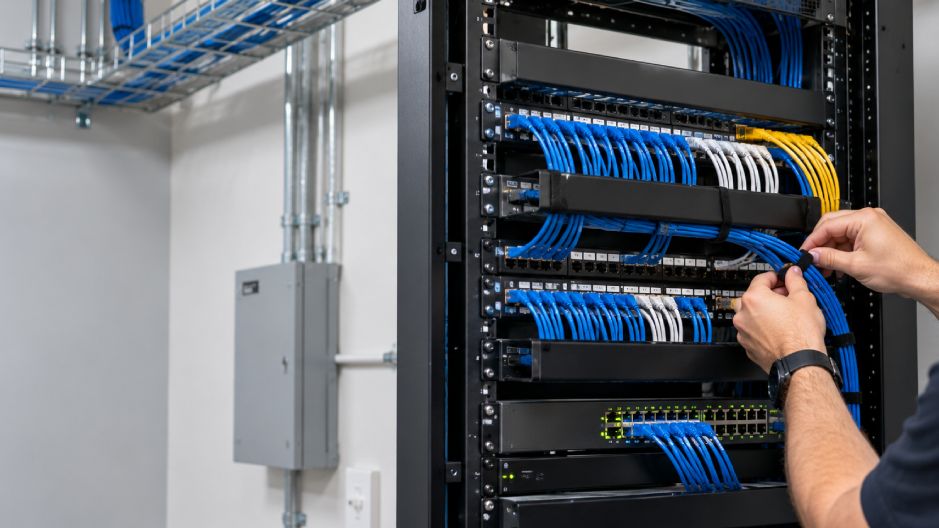
The cable is coax with a balun on older systems, or a Cat6 network cable on newer ones. The recorder is a DVR on an analog system, or an NVR on a network system. Storage is a hard drive in the recorder, or the cloud for off-site copies. Live viewing and recording happen at the same time, so staff can watch while the system keeps a copy. A recorder can hold many cameras at once, each on its own channel. Some systems add motion recording, which saves space by writing only when something moves.
How long footage is kept depends on the drive size and the number of cameras. A busy shop with many cameras fills a drive faster than a quiet office with two. Most systems overwrite the oldest footage once the drive is full, unless it is saved first. The number of channels on a recorder sets how many cameras it can take. A four-channel recorder suits a small shop, while a larger site needs sixteen or more. Remote access lets an owner check the cameras from home or on the road. A good setup protects the recorder itself, since a thief who takes it takes the footage too.
A CCTV system has four main parts: cameras, cabling, a recorder and a monitor with storage. Each part has one job, and the table shows how they fit.
| Part | What it does | Example |
| Camera | Captures the scene | Dome, bullet or PTZ |
| Cable or network | Carries the feed | Coax with a balun, or Cat6 |
| Recorder | Stores and manages video | DVR for analog, NVR for IP |
| Monitor and storage | Shows and keeps footage | Screen, hard drive or cloud |
Power is the one part not in the table, and it comes as a separate supply or over the network. On a network camera, Power over Ethernet carries power and video on one cable. A good system is sized to the building, with enough cameras for the entrances and blind spots. Too few cameras leave gaps, while too many add cost and storage with little gain. Mounting height matters too, high enough to be safe from tampering, low enough to catch a face.
A camera aimed into bright light will struggle, so placement is planned with the light in mind. Good cabling ties it all together, which is why cameras and network are best planned as one job. The lens sets the field of view, from a wide hallway shot to a tight view of a single door. A wider lens sees more but shrinks faces in the distance. Labels on the cabling make later service quick and painless. Where should a camera go? Over each door, at the tills, and anywhere a person could slip past unseen.
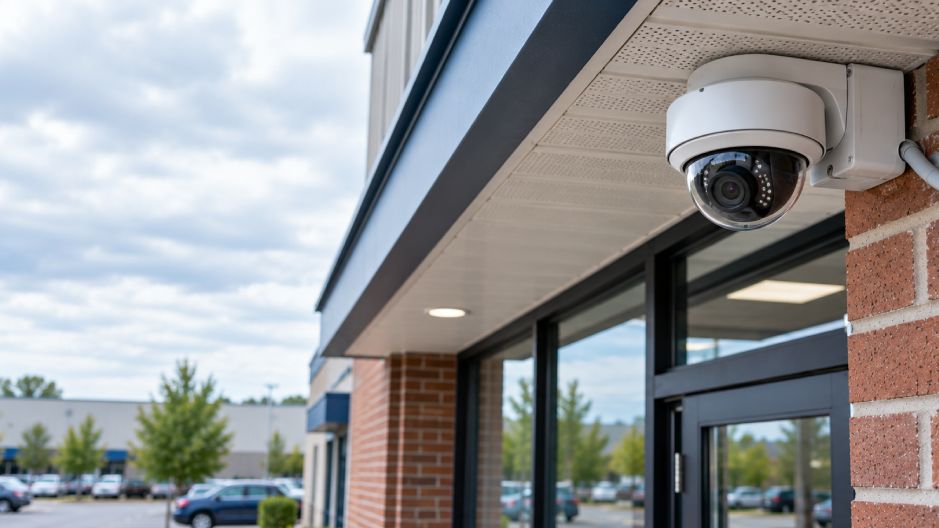
CCTV cameras come in a few shapes, each suited to a different spot and field of view. The common types are these.
Resolution is the other choice, from standard definition up to 1080p HD and higher. A higher resolution reads faces and plates more clearly, but it uses more storage. Indoor and outdoor are a real split, because an outdoor camera needs a weatherproof housing. Night vision is another, as infrared lets a camera see in the dark. For a car park or a yard, a weatherproof bullet or turret with good night vision is the usual pick. For a quiet reception, a discreet dome is often enough. A PTZ camera can cover a wide yard from one point, but it only looks one way at a time. Home and small-business buyers often weigh price against field of view.
A fixed camera points one way and is simple and cheap. A PTZ camera moves, so one unit can sweep a large area on a schedule. For evidence, a steady fixed camera on a doorway often beats a moving one that may be aimed elsewhere. Matching the camera to the job is what keeps a system useful and affordable. The right mix covers the whole site without paying for detail a spot does not need.
Traditional CCTV sends analog video down a coax cable to a recorder, while IP cameras send digital video over a network. An IP camera is really a small networked computer with a lens. It gives higher resolution and can be viewed from anywhere with a login. ONVIF, a shared standard in use since 2008, lets cameras and recorders from different makers work together. Many business systems today are IP, though analog still serves a simple site with a few cameras. Analog can be the cheaper route when the coax cabling is already in the walls.
A mixed system is common too, where new IP cameras join an older analog setup through an encoder. That lets a business upgrade a few cameras at a time, rather than all at once. Over time, most sites drift toward IP as cameras are replaced. The recorder usually leads that change, since an NVR expects network cameras. Picture quality is the clearest gain from IP, since a network camera can carry far more detail. Remote access is the other, because the feed rides the same network the office already uses.
The trade is bandwidth and storage, which both rise with resolution. A survey weighs those costs against what each view actually needs. The right answer is the one that fits the building, not the newest label. The choice often comes down to picture quality, remote access and the cabling already in place.
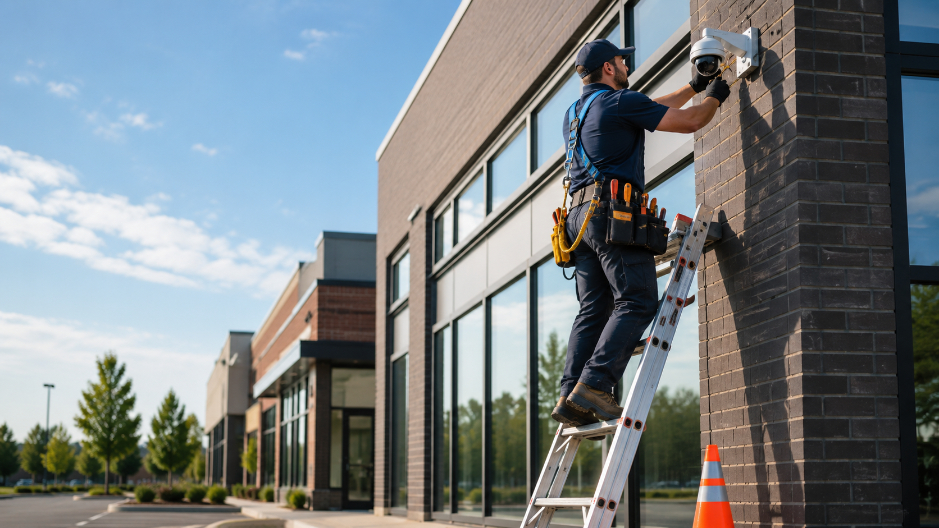
Our technicians plan, install and maintain commercial video surveillance for businesses across Central Pennsylvania. A free site survey in Carlisle sets the camera count, views and storage that a building needs. Founded in Carlisle in 1981, Hilton’s has completed more than 6,000 projects for local businesses. One local team designs and installs each system, then services it for the years that follow. Because we handle the cabling as well, the cameras and the network are planned together. We work in low voltage only, and we keep the system simple enough for your staff to run. Service after the install is part of the job, not an extra, so the system keeps working as it ages. Every system we fit is matched to the building, not sold from a shelf, so you pay for the coverage you need. Whenever it suits, you can request a quote to start that free survey. The Security Advisor can suggest a sensible starting point.
A few more questions come up once the basics are clear.
Yes, some cameras can record audio, but Pennsylvania law needs the consent of everyone recorded first. Because of that, most business cameras record video only. Pennsylvania is an all-party consent state under 18 Pa.C.S. 5704, so every person in a recording must agree. This is the law, not legal advice, and a simple video-only setup avoids the issue.
A red light on a camera is usually an infrared or status LED, not a sign that someone is watching live. Many cameras switch on infrared LEDs at night to see in the dark, and that glow can look red. A steady light can simply mean the camera has power. For the full answer, see what a red light on a camera really means.
A full CCTV system records and stores many views together, while a standalone camera covers one spot on its own. A single camera is fine for one doorway, but it rarely keeps footage for long. A business that needs coverage and a kept record wants a system, not one camera. If you are weighing the two, see whether you need a security system or just cameras.
Category :
Share :